Settings sheet
Every setting and its value
Setting names match the ones in the game's menus, so each one is easy to find.
- Face
- 2
- Brows
- 6
- Eyes
- 6
- Nose
- 12
- Mouth
- 10
- Jaw
- 12
Photo to character-creator settings
Upload a photo of your face and you get the numbers to enter in the character creator. Some games can also load a preset file, so you can skip the typing.
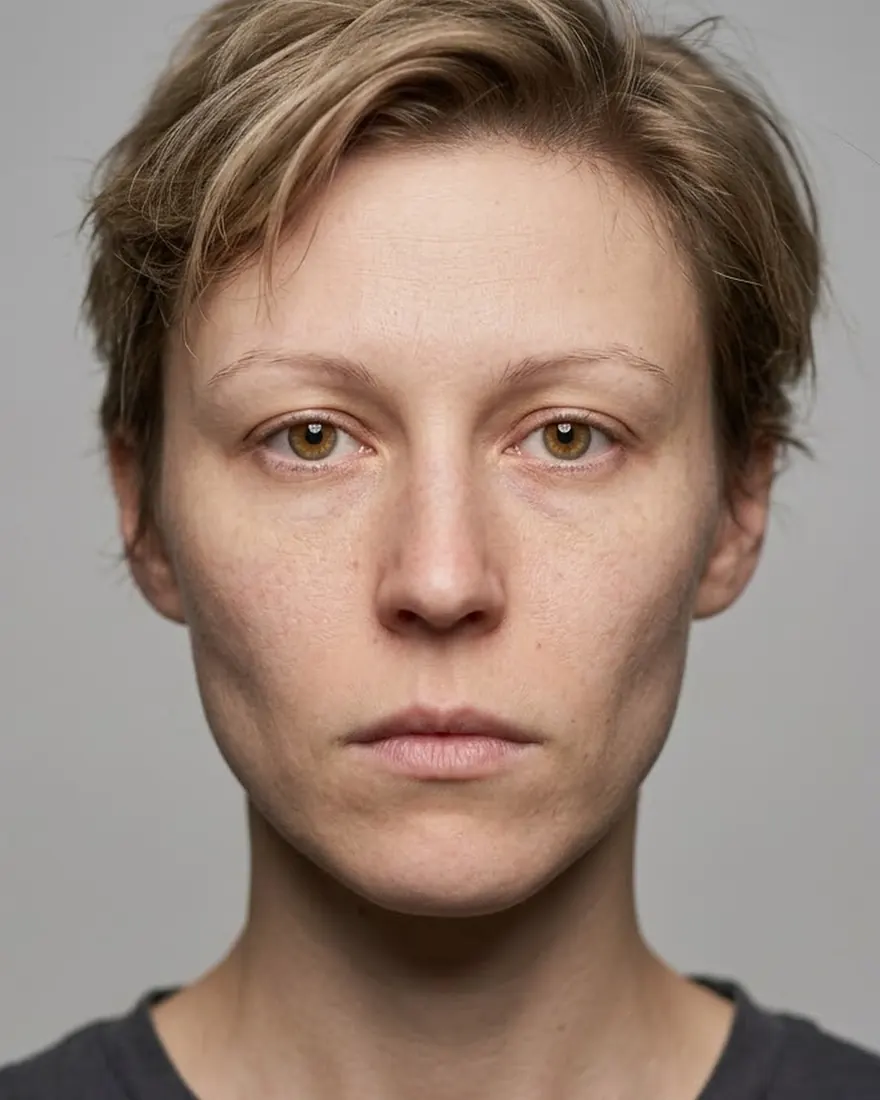
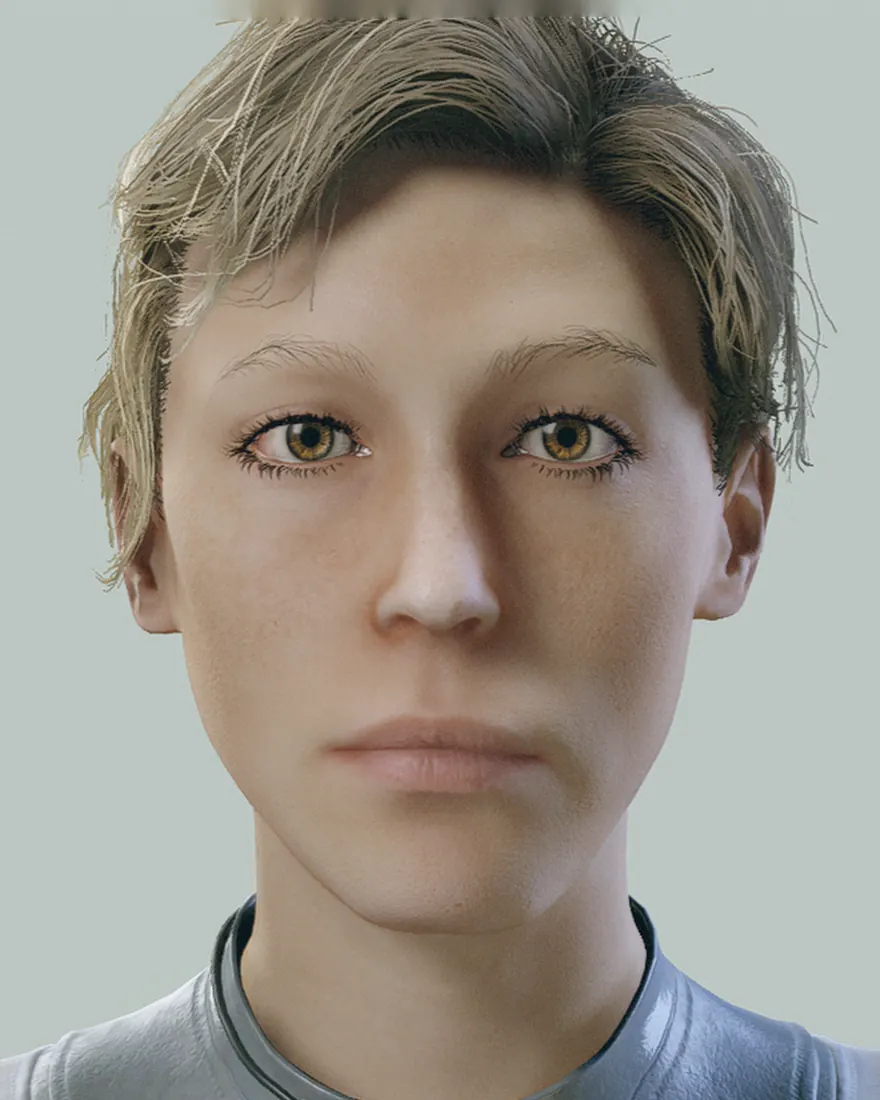
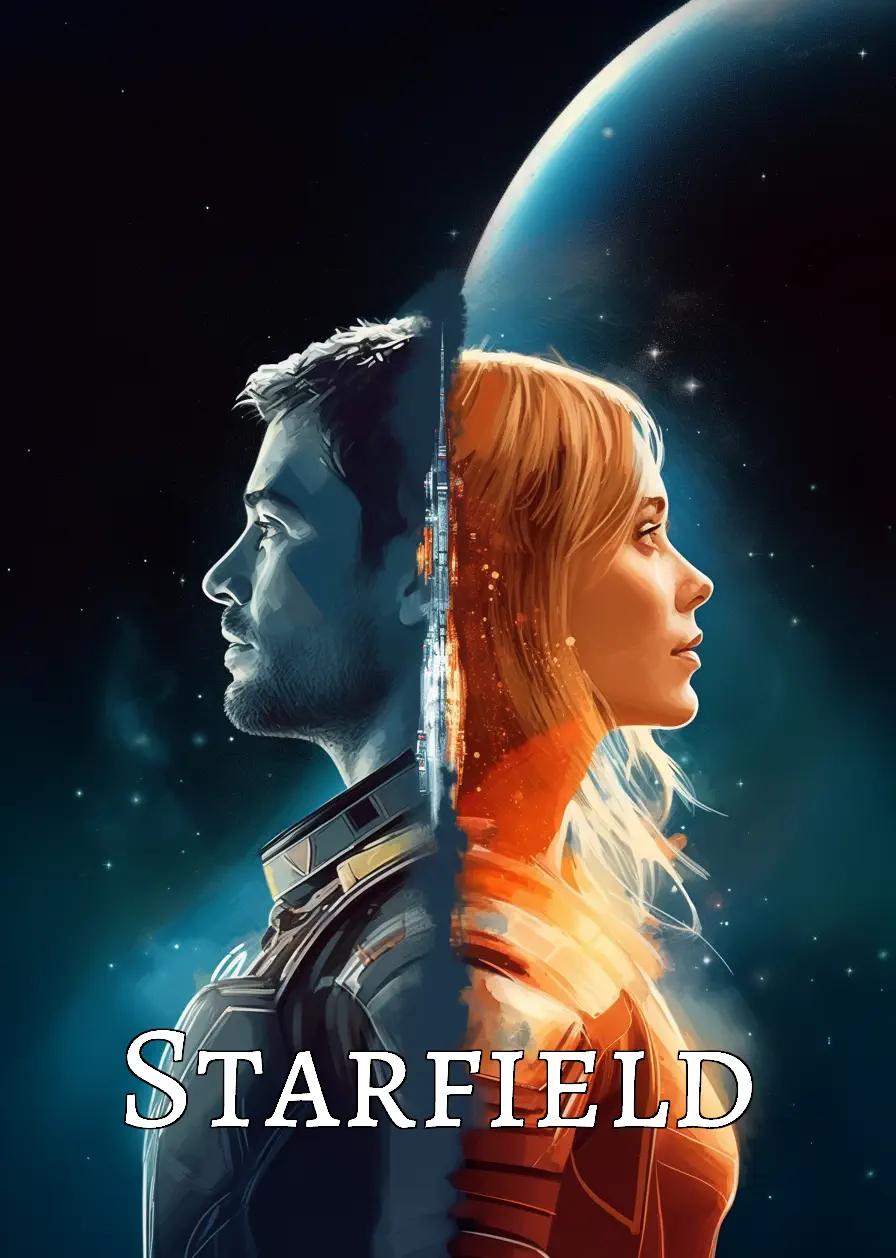
Starfield screenshot taken after I entered the settings for this photo, with no retouching. I picked the hair, skin and eye color by hand. The photo is AI-generated. Starfield page →
I measure each game separately because every character creator works differently. Each game page has before and after shots.
What gets matched depends on the game. Usually it's the face preset, eyes, brows, nose and mouth, as far as that game's sliders go. Hair, skin tone, eye color, makeup and the rest you set yourself, and each game page has the full list.
For each game I render tens of thousands of faces with known settings, so the matcher learns what every slider does.
Face the camera. The matcher reads the proportions of your face and ignores hair and skin.
It looks for the settings that come closest to your proportions in that game and gives you the list of values.
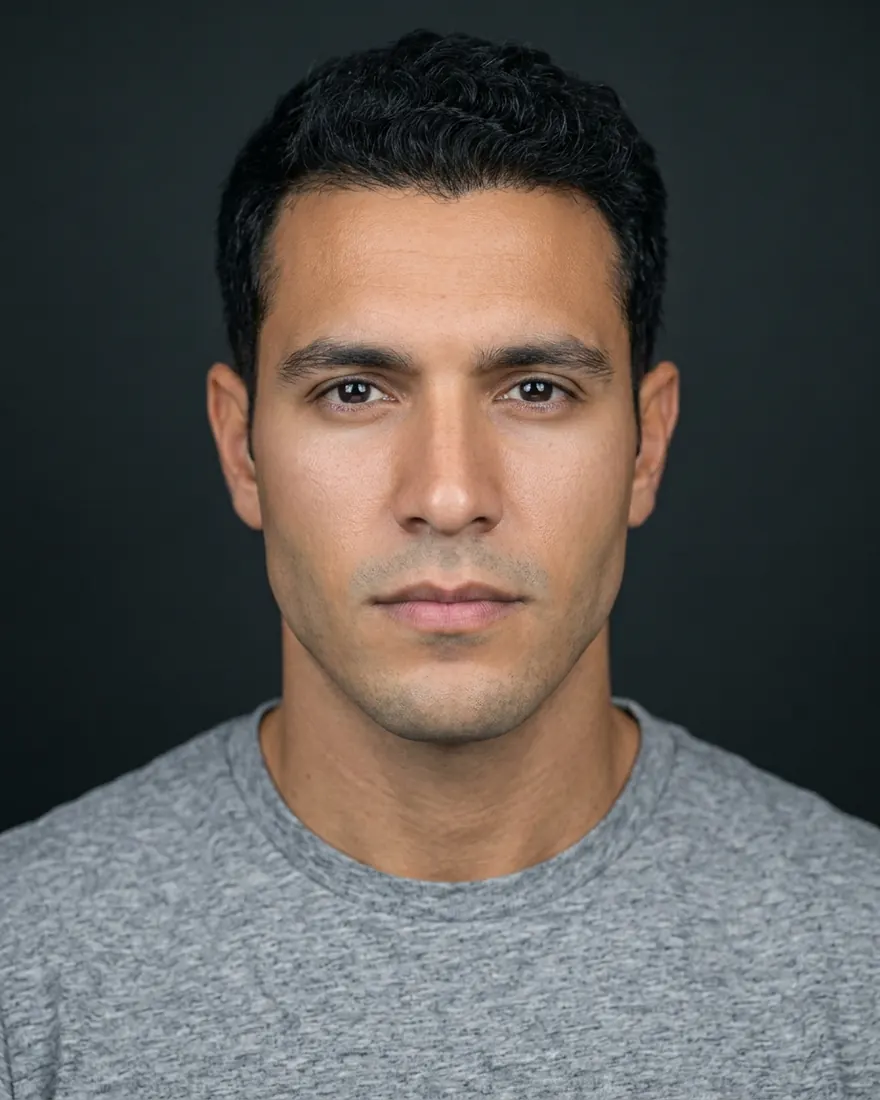
Settings sheet
Setting names match the ones in the game's menus, so each one is easy to find.
Preset file
If the game can import presets, you get a file that loads the face in one click.
Cyberpunk 2077 preset
Goes into the game's mod folder. Install steps are in the README inside.
Field card
Your photo with the measurements marked on it. Keep it open on your phone while you enter the values.
These values and the card come from an actual Cyberpunk 2077 match of the face in the scan above.
Privacy
Ready to see yourself in the game?
Create my character